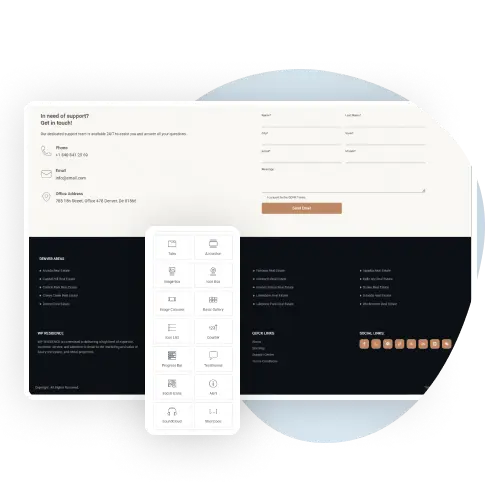
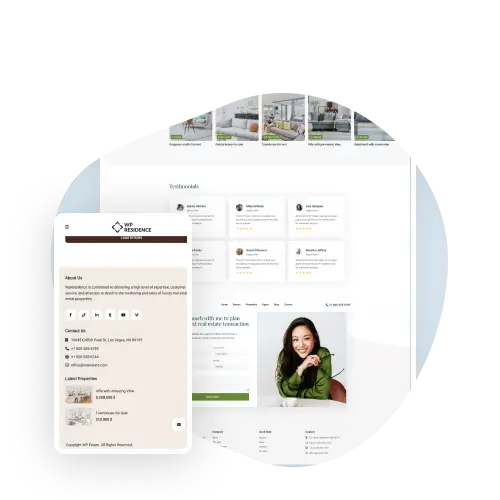
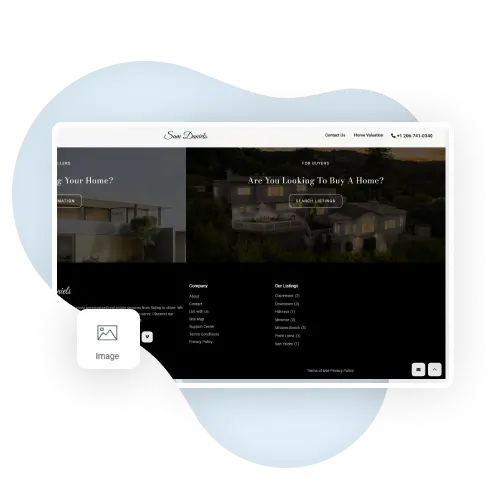
With WPResidence, you can easily build and change your website’s footer using Elementor’s drag-and-drop tools. Add things like contact info, social media links, and menus to help visitors.
Footer Layout
Choose the Perfect Layout
Choose from different footer styles and layouts to match your website. The Footer Type option in Theme Options has 9 column layouts, from 4 equal columns to one full-width column. The copyright text can include links and basic HTML.
Adapted for Small Screens
Works on Any Device
Your footer will look great on computers, tablets, and phones.
Footer Widgets
Add Widgets for More Features
Make your footer more helpful by adding search bars, recent posts, and more.
Customize Your Website Footer
With the WPResidence real estate theme, you can build a custom footer with Elementor’s drag-and-drop tools.
To build a custom header or footer with the free version of Elementor, first install and activate the WPResidence Design Studio plugin. Then, go to the Header and Footer Builder in WPResidence Studio Templates or Theme Options. Click “Add New WPResidence Studio Template.”
Choose if you want to create a header or footer. It will automatically replace the default WPResidence design.
You can also choose where your custom header or footer appears: the whole site, the front page, 404 pages, all posts of a type, or chosen categories and other terms.