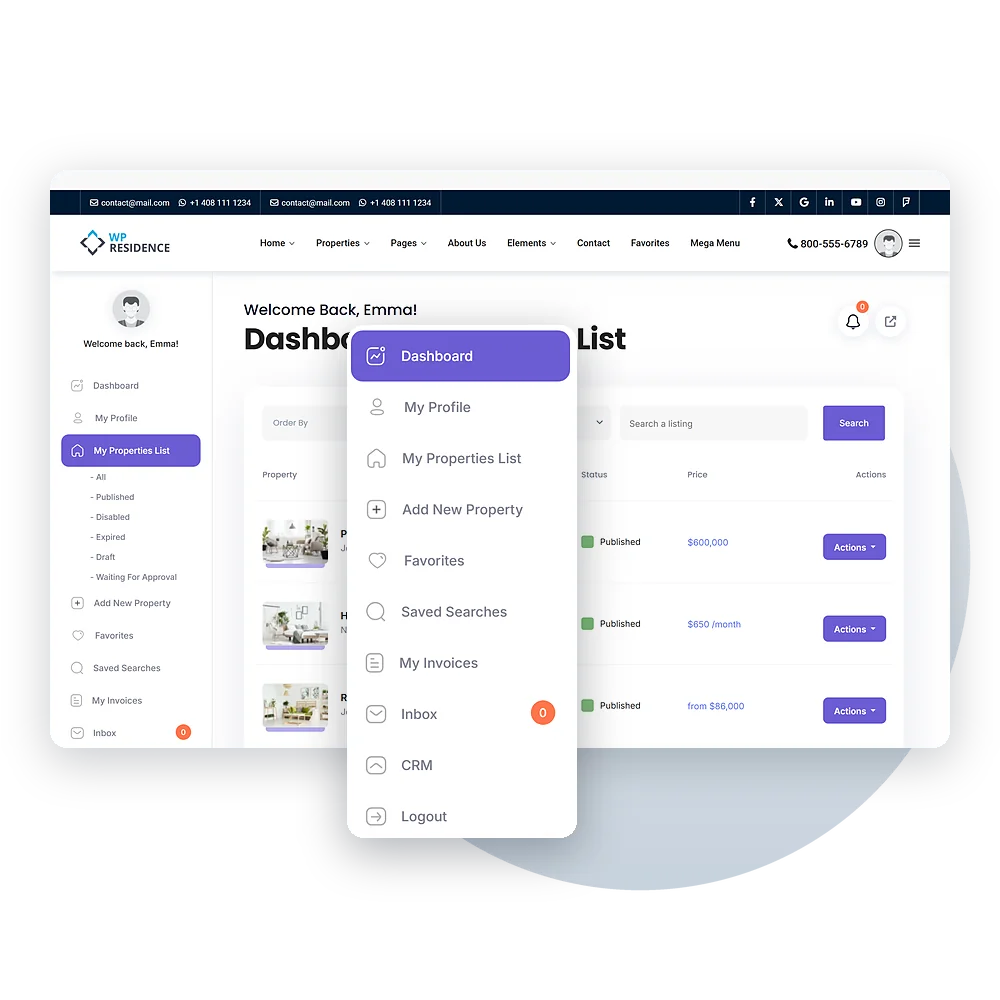
The User Dashboard in WPResidence is where users can manage their properties and account details. It has easy-to-use pages like My Profile, My Properties, Favorites, Add New Property, and Invoices. Users can move between these pages using a simple menu. Admins can choose which pages are available.
Essential Features
My Properties Page Features
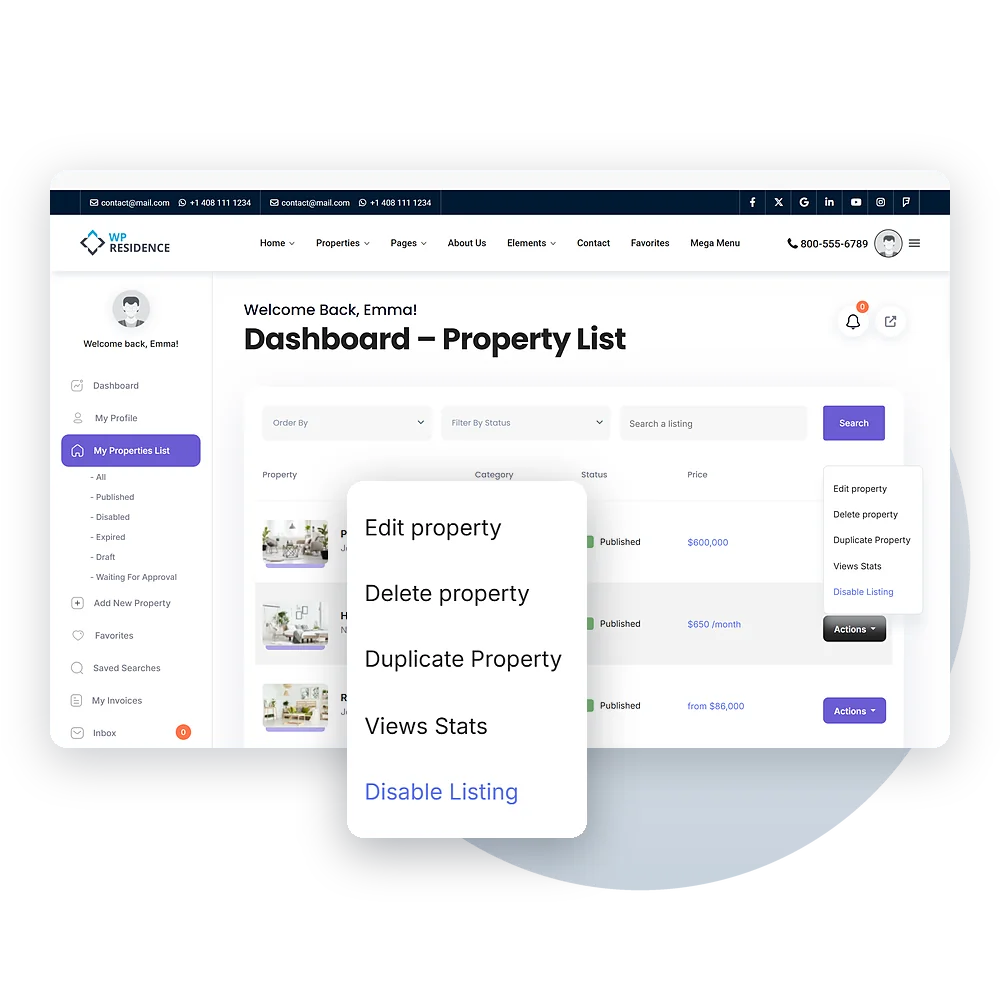
The My Properties page lets users control all their listings. They can view, edit, delete, or copy a property with just a few clicks.
Users can sort or filter properties by date or title to make them easy to find.
Easy Editing
Customization Options for Admins
Site owners can change what users see in their dashboards. Admins can let users submit free or paid listings and set how many listings each user can add. Automatic email alerts can be sent when a listing is approved, edited, or about to expire. WPResidence also works with membership plans and Pay Per Listing options, giving admins many ways to manage how people add and promote properties on the site.
Intuitive Interface
Enhanced User Experience
The User Dashboard is built to give users a smooth and easy experience. They can save favorite listings and set alerts for new properties that match what they want.
CRM
A CRM Inside the Dashboard
The dashboard has a CRM menu with Enquiries, Contacts, Leads, Deals, Tasks, Activity and Stats. Every contact form and tour request on your site creates a contact and sends it to the listing’s agent. Deals move through stages on a drag-and-drop board, and each contact shows the listings that match their budget and preferences, ready to email. Each agent sees only their own contacts and deals. See the WPResidence CRM page for every feature.
WPResidence User Dashboard: Easy Property Management
The WPResidence User Dashboard makes it easy for users to manage their properties and account details in one place. With pages like My Properties, Add New Property, Favorites, and Invoices, users can quickly add, edit, and organize listings.
They can also view important details like property views and sort listings by date or title. Admins can customize which pages appear and set rules for submissions and memberships. The dashboard works smoothly on all devices and supports many languages.