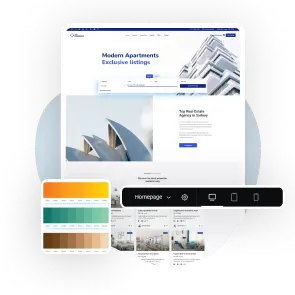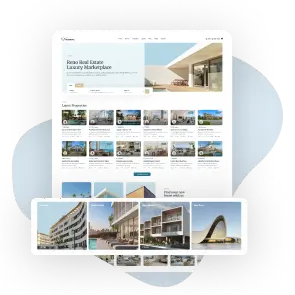
Show your cities, areas and property categories as image tiles that link to their listings, so visitors can browse your site by place or by property type.
With the WPResidence Theme, you can use the Category Grid Builder in Elementor to show your cities, areas and categories as image tiles. Each tile shows the photo, the name and the number of listings, and opens its property page.
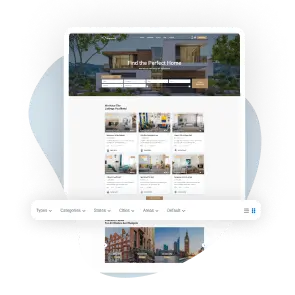
The grid is fully responsive, so it looks great on computers, tablets, and phones.
Grid Layouts
6 Grid Layouts and 3 Tile Designs
Pick from 6 grid layouts that mix large and small tiles, and 3 tile designs, from a photo with the name on top to a card with a tagline and a listing badge. Set the tile height, rounded corners, spacing, colors and hover overlay so the grid matches the rest of your site.
Browse by Location
Show Cities, Areas or Categories
Build a grid of your cities, areas, counties or states, or of property categories and types. Sort the tiles by name or by number of listings and hide empty ones, so visitors land on the places and property types that have homes to show.
Clean Display of Real Estate Listings
With this real estate theme, you can build grids of your property categories, types, cities, areas and counties in Elementor. Each tile shows a photo, the name and the number of listings, and takes visitors straight to those properties.
Choose from 6 grid layouts and 3 tile designs, pick which terms appear and in what order, and style the tiles with your own colors, spacing and hover effects. The grids adapt to desktops, tablets and phones, so visitors can browse your site by place or property type on any device.