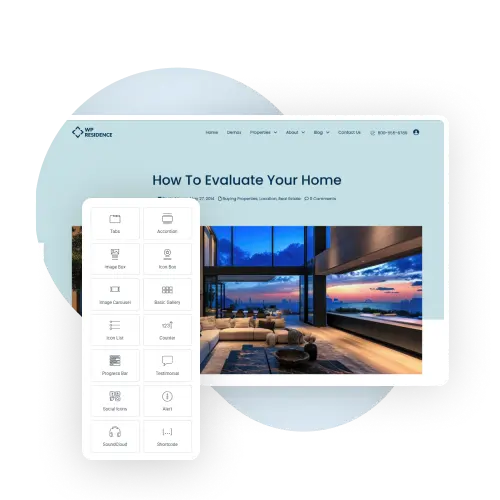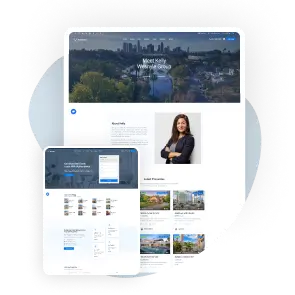
With WPResidence Design Studio, you can quickly build stunning real estate websites. Use ready-made templates or create your own for property pages, agent, agency and developer profiles, property categories, blog posts, plus headers and footers.
Powerful Features to Build Your Dream Real Estate Website

Get a big set of ready-made pieces that help you build your real estate website fast and easy.
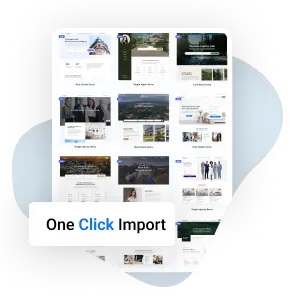
Start in no time with the One-Click Import feature that helps you set up your website fast.
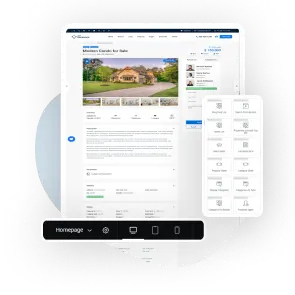
Use Elementor to build your site by dragging and dropping, no coding needed!
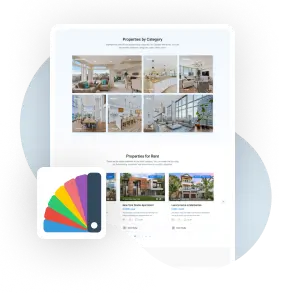
Make your website truly yours by changing colors, layouts, and styles to match your brand.
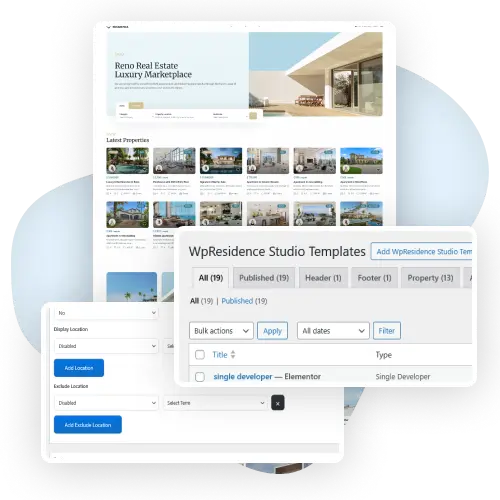
The WPResidence Studio template system lets you build and manage custom layouts for the theme’s main content types, including properties, agents, agencies, developers, and blog posts.
It supports 14 template types: Single Property, Single Agent, Single Agency, Single Developer, Single Post, Category, Block, Header, Mega Menu, Before Header, After Header, Footer, Before Footer, and After Footer.
Each template can be assigned exactly where you need it: across the entire website, on all single pages, all archive pages, specific special pages, individual post types, or selected taxonomy terms. Templates can also be excluded from specific positions or taxonomy terms, giving you precise control over which layout appears where.
Templates are built with Elementor Free, and each template includes a full-width option.
This makes WPResidence Studio useful for real estate websites that need flexible, reusable layouts across different property types, agent pages, agency pages, blog posts, headers, footers, and archive pages.
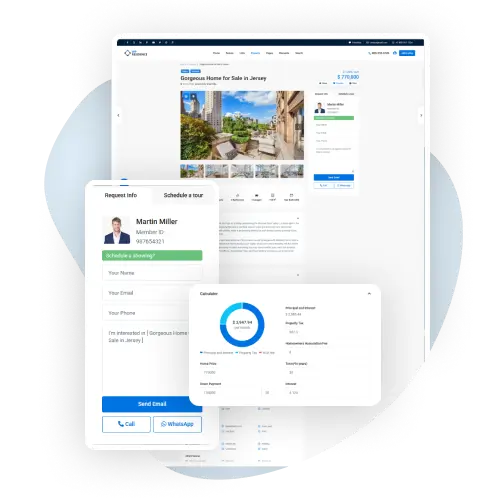
Designing property pages in WPResidence is fast and flexible thanks to its Studio Template system and Elementor integration.
Users can visually build custom layouts using a wide range of real estate-specific widgets like price, address, image sliders, maps, and property details. Each widget automatically pulls dynamic listing data, so templates update based on the property shown.
You can assign templates to specific property types or categories using display rules, ensuring the right layout appears in the right context.
With full control over structure and design, it’s easy to create modern, engaging property pages tailored to your brand and content strategy.
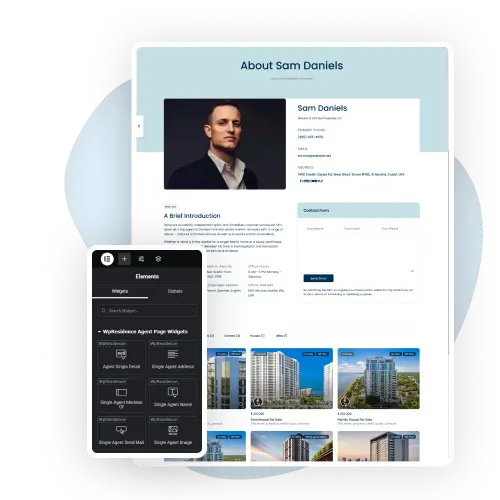
Creating agent pages is very easy with the WPResidence Studio Template system and its Elementor-powered tools.
You can visually design single agent profiles using purpose-built widgets like agent photo, name, title, social links, contact buttons, and custom bios.
Each widget dynamically pulls agent-specific data, ensuring a clean, consistent layout across all profiles.
Options like WhatsApp chat, call buttons, and send mail features help boost engagement.
Templates can include agent listings and specialties, making each page informative and conversion-friendly.
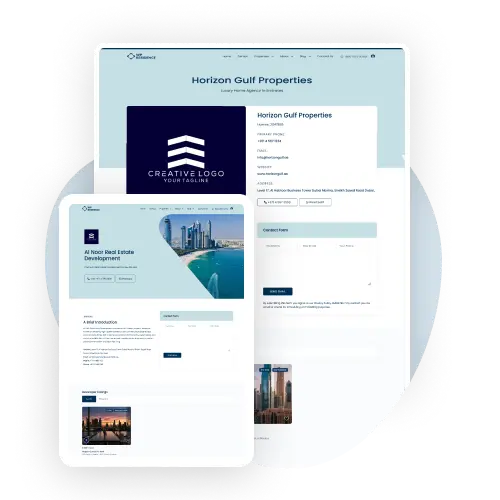
Agency and developer templates bring their own flavor to the WPResidence setup.
Instead of cookie-cutter pages, you get full creative freedom with Elementor and a unique set of widgets for each.
Agencies can display licenses, office hours, languages, and social links, perfect for showcasing professionalism.
Developers, on the other hand, can highlight portfolios, reviews, and team agents, complete with dynamic maps and contact tools.
Need a direct line? Add WhatsApp or call buttons in a click. These templates go beyond static bios. They help turn business profiles into active lead generators with layouts tailored to what your visitors actually want to see.
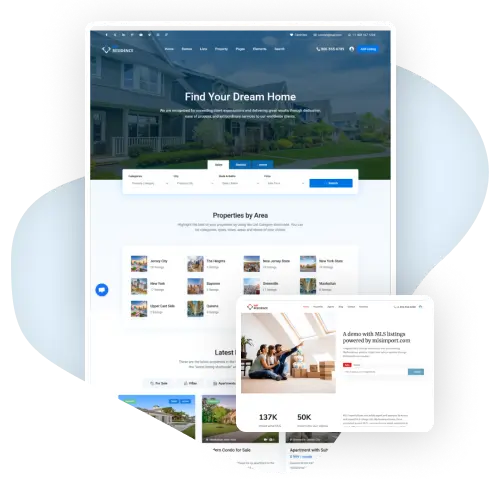
The WPResidence real estate theme has over 50 ready-made demos and homepage templates. This helps you build a real estate website quickly without starting from scratch.
Each layout has a different style and useful features, so real estate agents can find the one that fits best.
Headers and footers in WPResidence aren’t just placeholders. They’re functional tools built with flexibility in mind.
Using the Studio Template system and Elementor, you can build custom headers and footers with purpose-driven widgets: login menus, currency and unit switchers, contact phone, language dropdowns, and even an “Add New Listing” button.
You decide what matters most to your visitors, then drag it into place.
Whether you keep things minimal or include advanced navigation tools, every element is dynamic and tailored for real estate workflows.
It’s not just about design. It’s about creating smarter, more helpful site-wide navigation.