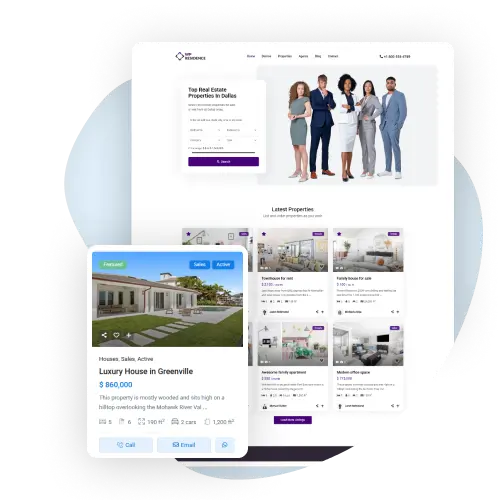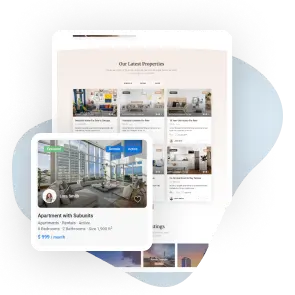
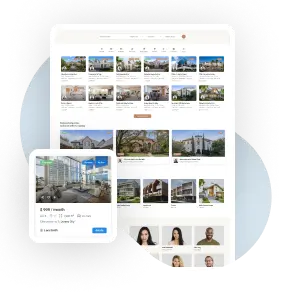
Choose from customizable property card layouts, featuring images, details, and agent info, to easily match your real estate website’s style.
Powerful Features to Build Your Dream Real Estate Website

Choose from 9 different card designs and select whether they display in grid or list view. Change the number of property cards shown per row and even set a minimum card height to fit your design needs.
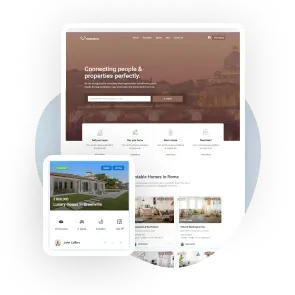
Enable image sliders so users can scroll through property photos directly on the card. You can also upload placeholder images to display when properties don’t have photos.
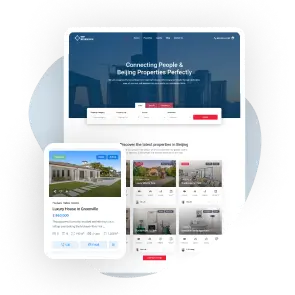
Choose which details to show on the card, like price, address, size, or rooms. You can show them with icons, text labels, or pictures to make it look better.
Pick up to 5 details for the card, including your own custom fields like lot size or amenities. Show each one with a Font Awesome icon, your own icon image or a text label.
Agent Display Options
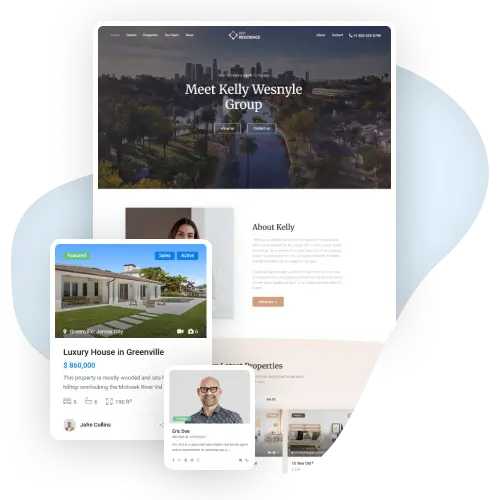
Choose whether to display the agent’s name, photo, or both on the property card. You can also hide the agent section entirely if you prefer.
Property Card Controls
Turn on or off buttons like Compare, Share, or Favorite directly on the card. You can also choose to hide or show the property status label, such as Sold, and the Featured label.
Flexible Property Card
For full flexibility, you can design your own property card layout. Choose which elements to display and arrange them how you like. You can control fonts, icon sizes, colors, and alignment to match your site’s style.
This Real Estate Theme offers powerful features to help you build your dream real estate website. With customizable property card layouts, you can choose from 9 different card designs and display them in grid or list view. Adjust the number of cards per row and set a minimum card height to suit your design needs.
You can add image sliders to the property cards, allowing users to scroll through photos directly on the card. If a property doesn’t have photos, placeholder images can be shown.
For a more personalized look, you can choose which details to show on the card, such as price, address, size, or rooms. Display them with icons, text labels, or images. You can even pick up to 5 details, including custom fields, like lot size or amenities, and use Font Awesome icons or your own.
The agent’s name and photo can also be displayed, or you can hide it. Plus, you can turn on or off buttons like Compare, Share, or Favorite for full control